
Last updated
Biketerra can send your rides to Strava.
Connect
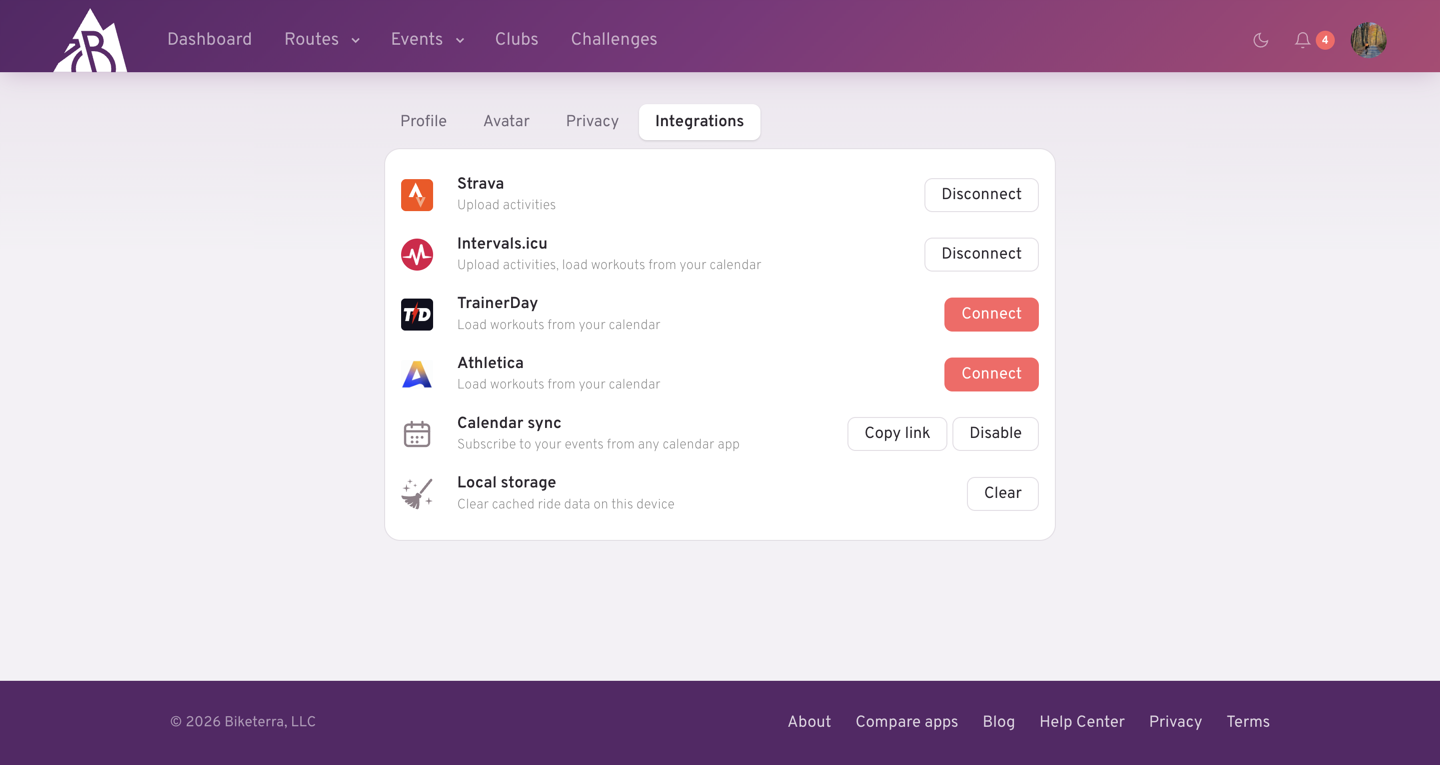
Open Settings → Integrations and press Connect beside Strava. You'll be sent to Strava to approve the connection and brought straight back. Biketerra only asks for permission to write activities; it never reads your Strava data.
Upload a ride
Open the ride's activity page and press Upload to Strava in the export tile. The button reads Uploaded when it's done. Uploads are manual: nothing goes to Strava until you press it, so you can rename the ride or trim it first.
If you've picked a pill (say Race only) or zoomed the chart, only that part is uploaded.
Disconnect
Disconnect on the same Settings tab revokes Biketerra's access at Strava and forgets the link. If Strava ever rejects the connection (for instance after you revoke it from Strava's side), Biketerra removes it and you'll need to connect again.
Club
Join the Biketerra club on Strava to find other riders.